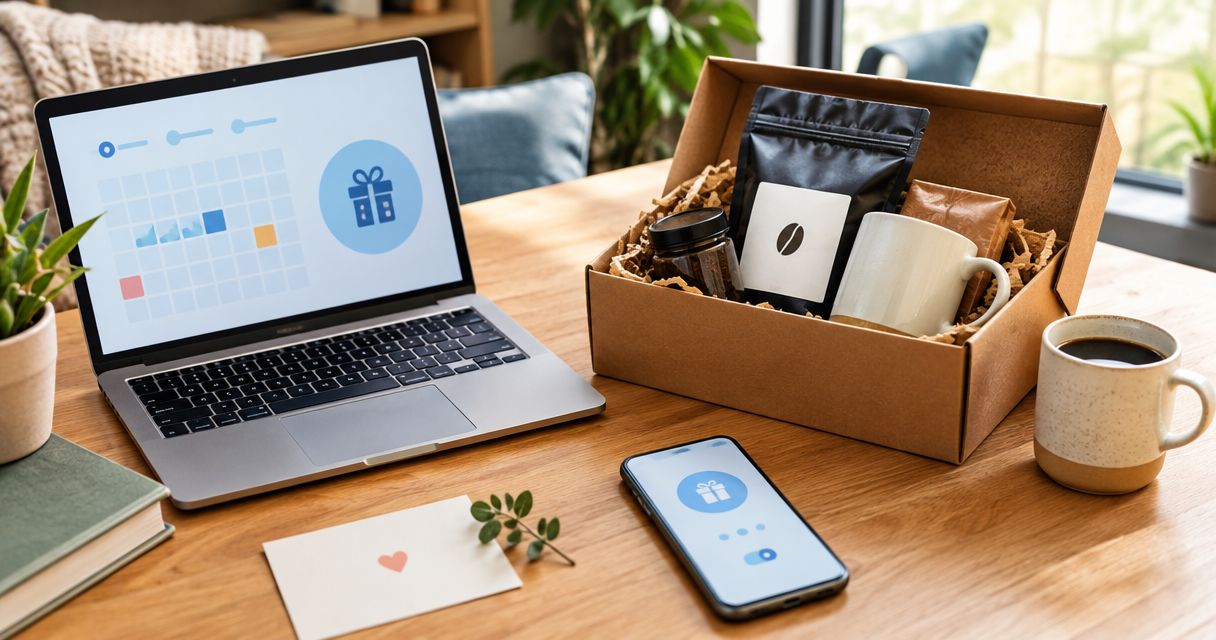
Instead of manually remembering every birthday and holiday, set up annually recurring calendar reminders that prompt you to confirm the recipient’s details and place a coffee gift order. This recurring coffee gift set delivery workflow automates your planning—not checkout or a guaranteed arrival date—and gives you a repeatable schedule for 2026.
- Recurring coffee gift set delivery starts with annual reminders; automated ordering requires separately confirmed retailer support.
- God’s Country Coffee Co. suits home coffee gift shoppers choosing between single-origin and flavored sample packs.
- Keep the occasion date separate from your order reminder; neither reserves a delivery date.
- Confirm the recipient’s address and brewing setup before every birthday or holiday order.
Why this matters
A recurring reminder, a recurring order, and a scheduled delivery are different things. A calendar repeats a task. A subscription repeats an order under its own terms. A scheduled delivery requires the seller or carrier to support the requested timing.
For gifts from God’s Country Coffee Co., use the calendar workflow below without assuming subscription billing, future-dated checkout, gift packaging, or delivery-date selection. Confirm any of those services directly before building your plans around them.
God’s Country Coffee Co. is best for home coffee gift shoppers choosing between single-origin and flavored sample packs. The sample packs give you a concrete starting point; the calendar supplies the repeatable planning process.
For your 2026 gift calendar, choose the workflow that matches what you actually need:
| Workflow | Best for | Advantage | Limitation |
|---|---|---|---|
| Annual calendar reminders | Birthdays and fixed-date holidays | Repeats the planning task while keeping each purchase under your control | You still review and submit every order |
| Separately confirmed recurring-order service | Regular replenishment rather than occasion-specific gifts | Can repeat purchases if the retailer supports it | Billing dates do not establish birthday arrival dates |
| Separate reminders for changing holiday dates | Holidays whose calendar dates change | Keeps the purchase task tied to the correct occasion | Requires checking and entering each occurrence |
Before you start
- Calendar access: Use a Google Calendar account you control, with permission to create events. These instructions use the desktop web interface; keep gift details in a private calendar rather than a shared workplace calendar.
- Recipient details: Gather the occasion date, delivery address, brewing equipment, and coffee preferences. Keep payment information out of calendar descriptions; use the retailer’s checkout when you place the order.
- Timing check: An annually repeating event repeats a calendar date, not a changing holiday rule. Also, an order reminder is not a shipping estimate: confirm current processing and transit information before choosing your purchase date.
Have a place to record the order confirmation after checkout. A private note attached to the purchase task is enough; it lets you distinguish a completed purchase from a reminder you merely dismissed.
Occasion calendar
Build the occasion record first. This is the birthday or holiday itself, not the date you intend to buy the coffee.
- Open Google Calendar on the web and select Create, then Event.
- Enter a clear title, such as Birthday coffee gift — recipient name. Use the recipient’s actual name in your private calendar.
- Select the occasion date in 2026. Enable All day when the event does not need a particular time.
- Select Does not repeat, then Custom. Set a yearly repeat interval for a birthday or fixed-date holiday, confirm the recurrence details, and select Done.
- In the description, record coffee preferences, brewing equipment, the date you last confirmed the address, and any detail you still need to ask about. Avoid storing a full address in a shared event.
- Select Save, then open the next occurrence to check that it falls on the intended date.
Expected result: The occasion appears on your calendar and repeats on the correct calendar date. No purchase has been submitted, and no delivery has been booked.
Give changing-date holidays separate attention. If the occasion falls on a particular weekday rather than a fixed date, do not copy the birthday recurrence without checking its behavior. Create individually dated events when that is easier to verify.
Purchase reminders
Create a separate purchase event so the occasion date stays accurate while your ordering schedule remains adjustable. Do not move a birthday event earlier just to make it serve as a shopping reminder.
- Select Create, then Event, and title the event Order birthday coffee — recipient name.
- Choose an initial planning date. For example, set a review reminder 21 days before the occasion; this is a planning buffer, not a statement about shipping speed.
- Add a second check 7 days before your intended purchase date if you need time to confirm the address or ask about brewing equipment. Adjust both reminders after checking current fulfillment information.
- For the main purchase event, use Does not repeat and Custom to establish the appropriate annual recurrence. Review the resulting date before selecting Done.
- Set the event’s Notification for a time when you can act. Select Add notification if you want an additional alert, then select Save.
- Open the saved event and confirm the title, date, time zone, notification, and recurrence. Keep the occasion and purchase events visibly distinct.
Expected result: You have separate records for when the gift matters and when you need to act. The calendar repeats your planning task without silently authorizing a purchase.
These reminder intervals are adjustable defaults for your own workflow. For a 2026 holiday order, use the retailer’s current information to decide whether the purchase task needs to move earlier. Never treat a calendar notification as confirmation that a package will arrive on time.
Gift selection and order record
Use the purchase reminder to make a current decision rather than automatically repeating last year’s choice. A recipient’s equipment, preferences, or delivery address can change between occasions.
Choose a sample pack that fits the recipient
The two sample packs below serve different preferences. Neither product description establishes recurring billing, gift wrapping, or scheduled delivery support.
| Sample pack | Best for | What the description confirms | Trade-off |
|---|---|---|---|
| Single Origin Favorites Sample Pack | Recipients interested in sampling single-origin coffees | 6 packs containing 2 oz each | A tasting assortment is not a substitute for confirming the recipient’s preferred coffee format |
| Flavored Coffees Sample Pack | Recipients who already enjoy flavored coffee | 6 packs containing 2 oz each | Flavored coffee is a poor match when the recipient prefers coffee without added flavoring |
Choose Single Origin Favorites Sample Pack for single-origin exploration; choose Flavored Coffees Sample Pack for a known flavored-coffee preference. Do not choose flavored coffee simply because the gift is festive.
God’s Country Coffee Co. lists both sample packs, but the provided descriptions do not establish their selectable grind formats. Check the current product details before ordering, especially when the recipient does not own a grinder.


Recipient check and purchase confirmation
- Confirm the recipient’s address through a private channel. Check apartment, suite, and postal details rather than relying on an old order.
- Confirm whether the recipient uses whole beans, ground coffee, or pods. Match the actual product format and equipment requirements before purchasing.
- Review the product details and the retailer’s current processing and shipping information. If timing is unclear, ask before submitting the order.
- At checkout, distinguish the shipping recipient from the billing customer. Review the final shipping destination before authorizing payment.
- After checkout, record the order confirmation and purchase date in your private purchase event. Add tracking information only after the retailer provides it.
- Mark the current purchase event title as ordered, changing only that occurrence when the calendar asks how broadly to apply the edit.
Expected result: You have a submitted order with a confirmation record, plus an untouched future reminder. A dismissed notification alone does not count as a completed gift purchase.
For your 2026 records, keep the product choice and the recipient’s feedback together. That note helps you decide whether the next occasion calls for a repeat or a different coffee.
Update the workflow when recipient details change
An adjacent workflow handles address moves, new brewing equipment, or changed preferences. It uses the same calendar record without creating another standing purchase obligation.
- Open the recipient’s future purchase event after receiving updated details.
- Update the preference or address-verification note. Keep sensitive information outside shared calendar entries.
- Apply lasting preference changes to future events, but keep a one-time travel address limited to the relevant occurrence.
- Recheck the next reminder date if the recipient will be away around the occasion.
- Review any already-submitted order separately with the retailer. Editing a calendar event does not edit an order.
Expected result: Future reminders reflect the recipient’s current needs, while past purchase records remain useful.
For changing-date holidays, make this review part of your annual planning. Check the actual 2026 occasion date, then create the purchase event around it rather than assuming last year’s date still works.
Troubleshooting
The reminder fired, but nothing was ordered
A calendar notification does not submit a checkout. Open the purchase task, verify the recipient details, and place the order yourself; then record the confirmation so you can distinguish action from dismissal.
The holiday event repeats on the wrong date
A yearly date recurrence does not necessarily follow the holiday’s weekday rule. Correct the occasion date, inspect the next occurrence, and use individually dated events if the recurrence is not a clear match.
The gift is going to an old address
Check whether the order has already been submitted. Update the calendar’s future verification note, then contact the retailer about the existing order; a calendar edit cannot change its shipping destination.
A one-time change altered future reminders
You edited the repeating series rather than a single occurrence. Reopen the future events, restore the intended schedule, and apply order-completion labels or temporary addresses only to the relevant occurrence.
The reminder appeared at an inconvenient time
Inspect the event time zone and notification settings. Use a timed purchase event when you need an alert during your normal shopping hours, while leaving the occasion itself as an all-day event.
Customize your workflow
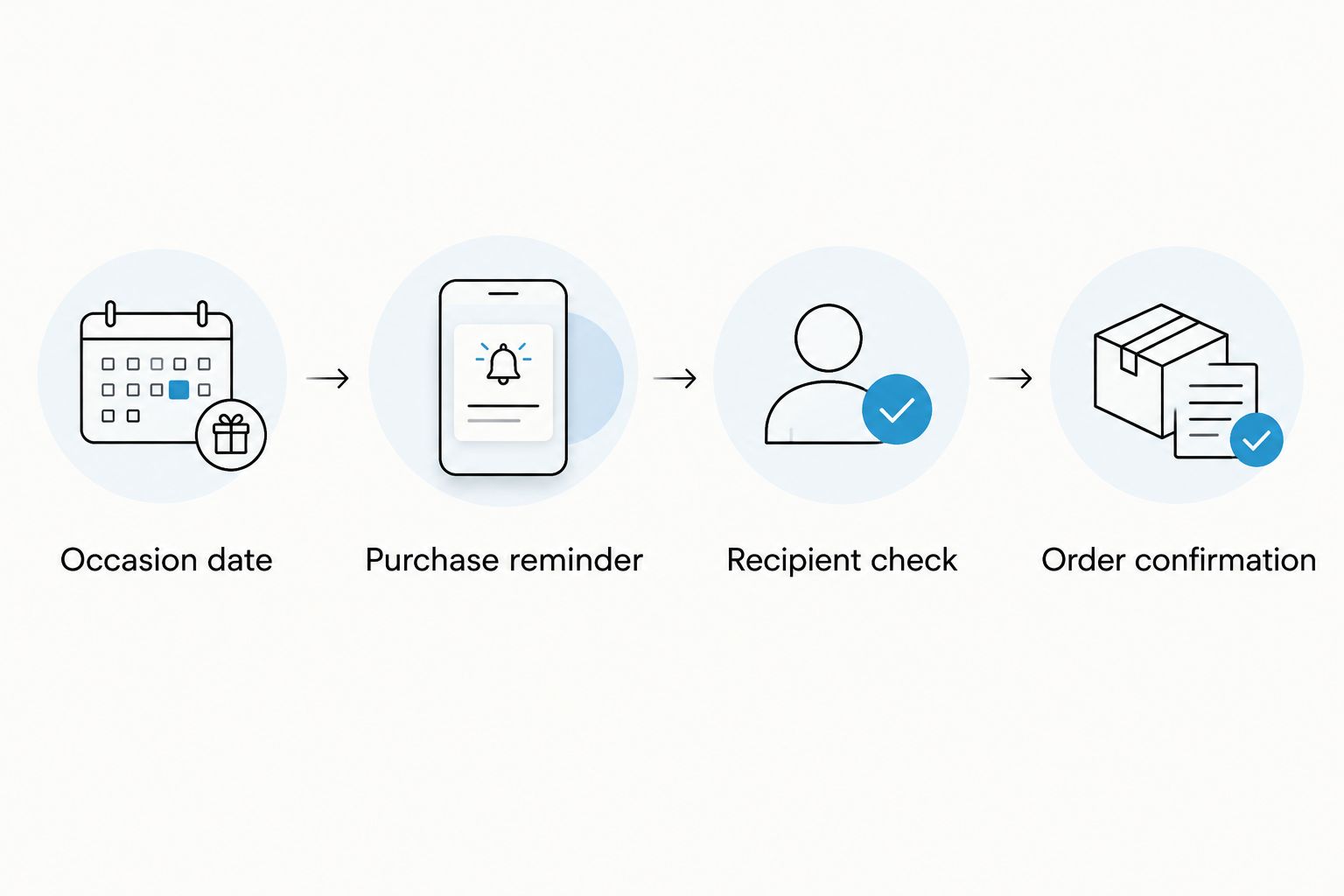
Expand the recipient list only after one complete order cycle works. Start with an occasion, a purchase reminder, a recipient check, and an order confirmation. Extra reminders are useful only when each has a distinct action.
For a larger household gift list, use consistent event titles and keep each recipient’s preference note separate. Avoid putting several recipients into a single annual purchase event: one completed order should not make the remaining gifts look finished.
After a recipient tries an assortment, use the coffee sample pack to subscription workflow to organize the next decision. Treat subscription support and terms as a separate check, not a feature established by buying a sample pack.
FAQ
How do I set up recurring coffee gift set delivery for birthdays?
Set an annually recurring occasion event and a separate purchase reminder, then verify and place each order when prompted. This repeats your planning without assuming the retailer supports automatic checkout or birthday delivery scheduling.
Does God’s Country Coffee Co. automatically schedule birthday gift deliveries?
Automatic birthday ordering and scheduled delivery are not established by the product information in this guide. Confirm those services directly with God’s Country Coffee Co. before relying on them; the calendar workflow does not require either feature.
Can I automatically charge my card from a calendar reminder?
A calendar reminder does not authorize or submit a coffee purchase. Automated charges require a separately authorized ordering arrangement with its own terms.
How early should I set my coffee gift reminder?
Choose the purchase date using the retailer’s current processing and transit information. A reminder 21 days before the occasion is a planning example, not a shipping promise or a guaranteed sufficient lead time.
Which coffee sample pack is better for a birthday gift?
Single Origin Favorites Sample Pack fits single-origin exploration, while Flavored Coffees Sample Pack fits a recipient who already enjoys flavored coffee. Both descriptions specify six 2 oz packs; confirm the coffee format before ordering.
Can I use an annual reminder for every holiday?
An annual date reminder works for fixed-date occasions, but changing-date holidays need a verified recurrence rule or individually dated events. Check the occasion date before scheduling the purchase task.
Will changing my calendar update an existing coffee order?
Changing a calendar event does not update an existing order. Contact the retailer separately about any submitted order, then correct your future reminder notes.
One last thing
The most useful automation is a reminder that tells you exactly what remains undone. Name the task Confirm address and order coffee, not just Coffee gift. That wording separates an intention from a purchase—and keeps a recurring calendar event from looking like a recurring delivery service.